Blockaway Review 2026: What It Does, How It Works, Safety & Alternatives
A school filter blocks a study video. Your office network blocks a research page. Hotel Wi-Fi shuts down a site you need tonight. Blockaway promises a quick fix. This Blockaway review shows what the free web proxy does, how it works, and where it falls short.
The short answer is simple. Blockaway net is a browser based proxy that helps you access blocked websites. It isn’t a full VPN service. It suits casual browsing and temporary web access. It doesn’t deliver device-wide privacy.
What Is Blockaway.net?
What is Blockaway? It’s a free web proxy that runs in your browser. You paste a website address into the URL field. A proxy server then loads the page for you. The destination website sees proxy IP details instead of your public IP address. In short, the proxy acts as a middleman.
There’s no software installation, no download, and no browser extension. That makes it a handy proxy tool on restricted devices and shared computers. The service offers free proxy access with ads. Reviewers report a premium plan at about $3.50 per month that removes ads (AboutChromebooks). Servers sit in Europe and the USA.
What Is Blockaway Used For?
People use this proxy website to bypass website restrictions. Common targets include school network blocks, office network blocks, ISP filtering, and regional restrictions. Many users want a YouTube proxy or a social media proxy. Others need to open blocked websites for a quick read. The goal is usually temporary web access to restricted websites, not deep online privacy.
Blockaway at a Glance
The table below sums up the Blockaway proxy in one view. Prices and features can change, so check the site before you rely on them.
| Feature | Detail |
| Type | Browser proxy, online proxy |
| Cost | Free proxy service with ads |
| Premium | About $3.50 per month (reported) |
| Installation | None |
| Servers | Europe and USA on the free tier |
| Best for | Low-risk browsing of public pages |
| Poor fit | Sensitive accounts and confidential information |
How Does Blockaway Work?
How Blockaway works is easy to grasp. Your request goes to the third party server first. That server fetches the page. It then sends the page back to your browser. This is how you browse through a proxy.
Only your proxy session takes this path. Your other apps keep their normal network connection. Your browser also keeps its usual traits. That’s why a web proxy offers online privacy limitations that a VPN tunnel doesn’t share in the same way.
Web-Based Proxy Access
You enter a website URL and press go. The proxy server makes the request. The proxy receives website content from the target site. Then the proxy returns webpage content to your tab. This URL proxy flow needs browser-based access only. Pages with heavy browser scripts or video may load poorly. That’s a website compatibility issue, not always your mistake.
Basic IP Address Masking
IP masking hides your home address from the site you visit. The site logs the proxy IP address instead. So you hide your real IP address during the session. Still, IP address masking isn’t full anonymity. The proxy operator can see your proxy traffic. Sites can also spot browser data that points to you.
Read More About: Cilxarhu677 Moisturizer Product: Benefits, Ingredients, Uses, Safety & Reviews 2026
Bypassing Basic Network Restrictions
The tool helps you bypass network restrictions that rely on simple network filtering. Examples include basic DNS filtering and domain blocking. You can bypass school blocks or bypass office blocks of this kind. You can also try to access region restricted websites. Stronger filters may still catch proxy traffic. Some sites also apply proxy IP blocking to known proxy servers.
Blockaway Features
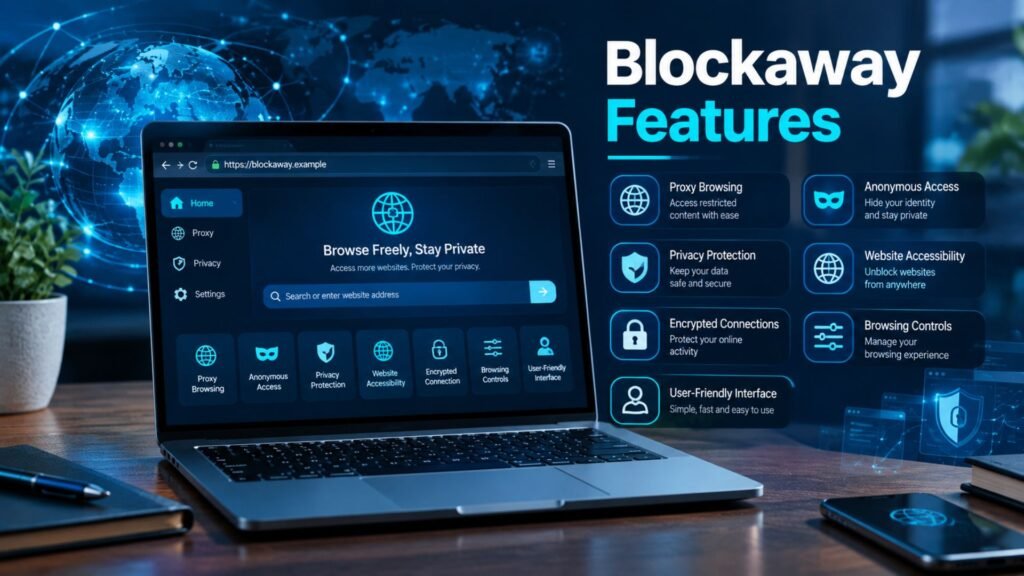
Blockaway’s main features are speed and simplicity. You open the page and start. No setup stands in your way. Even so, free tools bring trade-offs.
Expect server congestion at busy times. Expect ads on the free plan. Some pages trigger CAPTCHAs. These are normal proxy limitations for a shared proxy.
Quick Browser-Based Access
Quick access is the top draw. Any browser works. Any operating system works too. You get uninterrupted browsing on simple pages when the servers are calm. When they’re busy, you may see slow proxy performance. Pick another server if you can. Try again later if not.
No Traditional VPN Installation
There’s no VPN installation at all. You skip the VPN application and its setup. That helps on locked school or work laptops. The catch is coverage. A VPN application protects the whole device, while this tool covers only the proxy connection in one tab.
Basic Anonymous Browsing
Anonymous browsing here means your IP stays hidden from the visited site. It doesn’t mean nobody can trace you. Think of private browsing in a normal browser. That mode clears cookies after you close it. It doesn’t hide you from the network. A proxy adds an IP mask only.
Is Blockaway Safe to Use?
Blockaway safety depends on what you do with it. It’s fine for public pages. It’s a poor choice for passwords and payments. A third-party proxy server sits between you and the site. Proxy safety therefore rests on the operator’s honesty.
Reviewers raise the same worry. One review lists ads, slow speeds, and an unclear data logging policy on the free version (Octo Browser). Rival vendors push the “you pay with data” angle too (Gologin). Weigh that with care, since they sell competing products. You can also run the address through the PCrisk website scanner. It checks a site against 90+ security sources and verifies its TLS certificate. A clean result means malware detection found nothing. It doesn’t prove good web privacy.
Safety for Basic Browsing
Secure browsing on public pages is low risk. Reading news or a public video fits well. Keep the session short. Don’t download files from odd pop-ups. Close the tab when you finish. These secure browsing practices keep small risks small.
Safety When Logging Into Personal Accounts
Account login risks are real. A proxy can potentially see data that passes through it. That includes login details. Skip email accounts, banking accounts, and work accounts. The same goes for social media account security worries. Treat every login on a free proxy as a gamble you don’t need.
Tracking, Ads, and Unknown Operators
Free tools often earn money from ads. Tracking and advertisements can follow you across pages. Some free proxies have also faced claims about injected scripts. You can’t easily check unknown proxy operators. That’s one of the main free proxy risks. Read the privacy policy and the logging policies first. Vague wording is a warning sign.
Browser Fingerprinting and Privacy Limits
Browser fingerprinting builds a digital fingerprint from your screen size, fonts, and time zone. This gives you a high fingerprint uniqueness score. A proxy doesn’t change these signals. Cookies and storage also stay in your browser. So tracking protection needs other tools. Clear browsing data often. Use a privacy-focused browsing setup for more control.
Is Blockaway Legal to Use?
Blockaway legality is simple on the surface. Using a proxy isn’t illegal in the U.S. by itself. Legal use of proxies still depends on your actions. Break a law through a proxy, and the law still applies.
Other rules matter too. Website terms of service may ban proxy use. Copyright restrictions cover video and music. School policies and workplace policies can bring real penalties. Some rules are set by local laws as well. This isn’t legal advice. Ask a professional if you’re unsure.
Blockaway vs. a VPN: What’s the Difference?
VPN versus proxy comes down to coverage. A proxy handles one browser session. A VPN service protects traffic from the device. Proxy versus VPN is really “one window” versus “the whole house.”
| Point | Blockaway | Typical VPN |
| Setup | None | App or browser extension |
| Coverage | Browser only | Whole device coverage |
| Encryption | Site HTTPS only | Encrypted tunnel |
| Cost | Free or low | Usually paid |
| Fingerprint protection | No | Not by default |
| Best use | Temporary web access | Network protection |
Proxy vs. VPN
A proxy service reroutes web requests. A VPN tunnel captures traffic at the operating system level. Application-level routing works for one app. A VPN works across apps. That’s why a VPN suits device-wide network protection. A proxy suits a quick page.
Privacy and Encryption Differences
An encrypted VPN connection wraps your data before it leaves the device. That helps on public Wi-Fi security risks. A web proxy doesn’t do this for all traffic. HTTPS still protects many sites. Yet network privacy stays thin. Internet privacy needs more than a proxy.
When a VPN May Be More Appropriate
Pick an established VPN service for banking, remote work, or open hotspots. Check its privacy controls, security features, and audits. Compare no-log promises. Avoid a random free VPN alternative with no track record. A shaky free VPN can be worse than a plain proxy.
How to Use Blockaway
How to use Blockaway takes four steps and about ten seconds. You open the site, paste the address, and browse. No account is needed. The steps below keep the process clean.
If a page fails, try another server. Refresh once. Don’t retype a password after a failed load. Move on to another page instead.
Step 1: Open Blockaway
Type the address into your browser yourself. Don’t click ads or look-alike links. A fake proxy website could steal data. Check the padlock and the spelling. This first step protects cybersecurity for the whole session.
Step 2: Enter the Website You Want to Visit
Paste a website address into the URL field. Include the full link. Pick a server if the site offers a choice. Then submit. The proxy server makes the request for you. Public pages work best.
Step 3: Browse Through the Proxy
Now browse through a proxy as you normally would. Watch for proxy compatibility issues. Video may stall. Forms may fail. If that happens, stop. Don’t push sensitive data through a broken page.
What to Avoid While Using a Proxy
Avoid payment information, recovery codes, and confidential documents. Avoid logins to sensitive accounts. Don’t share personal information in forms. These habits protect personal information when the operator is unknown. Clear browsing data afterward.
Blockaway Advantages and Disadvantages
The upside is ease. The downside is limited control. This mix suits some users and not others. The table gives a fast view.
| Advantages | Disadvantages |
| Free basic access | Ads on the free plan |
| No installation | No device-wide privacy |
| Works in any browser | Unclear proxy logging |
| Helps with simple blocks | Some sites reject proxy IPs |
| Hides your IP from sites | No fingerprint protection |
Advantages of Blockaway
The free browsing tools angle is strong. You save money and time. You avoid admin rights. You can help a friend by sharing a link. For temporary network limitations, it’s a practical stopgap. That’s the core Blockaway net review verdict on its upside.
Limitations of Blockaway
The proxy risks are the trade-off. Proxy performance dips when servers fill up. Blocked proxy IP addresses break some sites. Proxy server overload causes delays. Privacy controls are thin. You also can’t audit proxy infrastructure yourself.
Does Blockaway Work With Streaming Platforms?
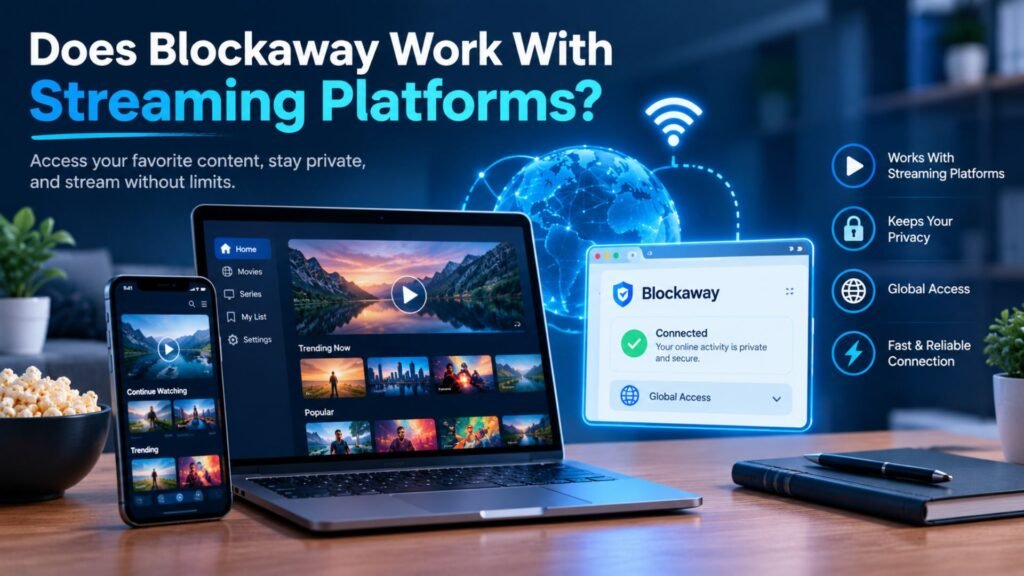
Streaming access through a free proxy is hit or miss. YouTube may load. Netflix, Hulu, and Disney+ often don’t. Streaming websites actively flag proxy IP address ranges. Streaming compatibility therefore varies by site and by day.
A video player compatibility problem is also common. Players may stall or refuse to start. Shared servers add buffering. Regional catalogs are tough to unlock. Also, a streaming proxy may break a service’s terms. Read the rules first.
What Users Say About Blockaway
Users like the ease and the price. They dislike the ads and the slowdowns. Many reviewers also warn about privacy gaps. This Blockaway net review roundup blends several sources instead of trusting one.
Here’s an illustrative case study. A college student needs a blocked study video on campus Wi-Fi. The proxy loads it in seconds. Happy result. Later, that student tries to log in to a school portal through the same tool. That’s where the plan should stop. The video was low risk. The login wasn’t.
Common Positive Experiences
People praise ease of use, quick access, and no download convenience. They like a working proxy tool on a school laptop. Travelers value a simple fix for regional restrictions. Some say YouTube loads fine. These wins fit low-risk browsing.
Common Complaints and Concerns
Complaints center on ads, slow connections, and pages that break. Others worry about proxy logging and traffic monitoring. Some sites show CAPTCHAs or refuse the connection. Privacy questions come up most. A free tool rarely explains its data handling well.
What to Check When Reading Reviews
Not every review is neutral. VPN vendors and anti-detect browser sellers profit from doubt. Check the date. Look for sponsorship notes. Separate “it worked for me” from real online security evidence. Independent security scans help, but they don’t prove privacy.
Read More About: Is Shopnaclo Legit? The Complete Editors Pick Shopnaclo Shopping Guide for 2026
Who Should Use Blockaway?
Blockaway suits people who need a public page fast and can’t install software. Students, travelers, and casual readers fit best. They need casual web browsing, not sensitive account protection.
Picture a traveler on a slow hotel network. A news page is blocked. The traveler opens the proxy, reads the article, and leaves. Nothing private is at stake. That’s the sweet spot. Stay within school and work rules. Ask before using it on managed devices.
When Should You Avoid Blockaway?
Avoid Blockaway when the data is private or the stakes are high. A simple test helps. Ask, “Would it hurt if a stranger read this session?” If yes, skip the proxy.
Rule of thumb: If you wouldn’t shout it across a cafe, don’t send it through a free proxy.
Sensitive Personal Accounts
Skip email account security risks. Skip health portals and social logins. Work account security matters too. One leaked password can cause weeks of trouble. Use your normal, direct connection instead. Turn on two-factor sign-in wherever you can.
Financial or Private Information
Never enter banking security details through a free proxy. That includes card numbers, tax files, and IDs. Keep confidential documents off it as well. Use a trusted network and a secure app for these tasks. Convenience isn’t worth the risk here.
Activities Requiring Strong Privacy Protection
Journalists, activists, and remote teams need more than IP masking. They need encrypted VPN connection options and careful browser privacy. They also need a controlled browsing environment. A free web proxy can’t offer this. Pick tools built for the job.
Blockaway Alternatives
The best Blockaway alternatives depend on your goal. Pick by task, not by price. One tool won’t fit every need.
| Alternative | Best for | Trade-off |
| VPN services | Device-wide privacy | Often paid |
| Other web proxies | One blocked page | Same proxy limitations |
| Browser privacy tools | Tracking protection | No IP change |
| Anti-detect browser | Multi-account management | Setup and cost |
VPN Services
Choose a reliable proxy service alternative in the form of an established VPN service. It gives whole-device VPN coverage. Compare audits, security controls, and supported devices. Read the privacy policy. Be wary of unknown free VPNs.
Other Web Proxies
A proxy alternative may work for one page. CroxyProxy is described as video-oriented in one comparison. It’s still a proxy service with the same proxy security limits. Test with public pages first.
Browser Privacy Tools
Browser privacy tools target tracking. Privacy browsers and tracker blockers reduce cross tracking. Hardened settings limit browser fingerprinting. For deeper needs, an anti-detect browser such as BitBrowser creates isolated browser profiles. These give session separation, separate browsing identities, and browser profile isolation. They also help with multi-account browsing and account isolation. Check each tool’s terms and pricing first.
Frequently Asked Questions
Is Blockaway free?
Yes, the basic service is free with ads. Reviewers report a premium plan around $3.50 per month. It removes ads and improves speed. Check the site for current terms before you pay.
Is Blockaway safe to use?
It’s fine for public pages. Avoid logins and payments. A third-party proxy server handles your traffic. Its data practices aren’t clearly documented. Treat it as a convenience tool.
Is Blockaway legal?
Using a proxy isn’t illegal in the U.S. by itself. Your actions still must follow the law. Website terms of service, copyright restrictions, and school policies also apply.
Is Blockaway the same as a VPN?
No. A proxy covers one browser session. A VPN covers the device through an encrypted tunnel. That’s the key proxy versus VPN gap.
Does Blockaway hide your IP address?
Yes, from the sites you visit during the session. The proxy operator can still see it. So it masks your IP address without making you anonymous.
Does Blockaway protect against browser fingerprinting?
No. IP masking doesn’t change your digital fingerprint. Your browser still shares screen size, fonts, and settings.
Does Blockaway work with Netflix and other streaming platforms?
Often not. Streaming websites block known proxy IPs. YouTube may load, but that doesn’t predict Netflix. Results vary daily.
Does Blockaway track users or show ads?
The free plan shows ads. Tracking and advertisements may come with them. Logging details aren’t clear. Assume some browser data could be collected.
What is the best alternative to Blockaway?
It depends on the goal. Pick a VPN for device-wide network protection. Pick another proxy for one page. Pick browser privacy tools or a BitBrowser-style setup for tracking and multi-account needs.
Conclusion
This Blockaway review lands in a clear place. Blockaway net does one job well. It opens blocked websites fast with no installation. It fits casual browsing and temporary web access.
It isn’t a VPN. It doesn’t fix browser fingerprinting. It won’t secure sensitive information. Use it for public pages only. For online privacy that matters, choose tools built for it.

Ryan Cooper is a dedicated writer with a passion for creating informative and engaging content. He enjoys sharing valuable insights and helping readers stay updated with the latest trends and practical knowledge.