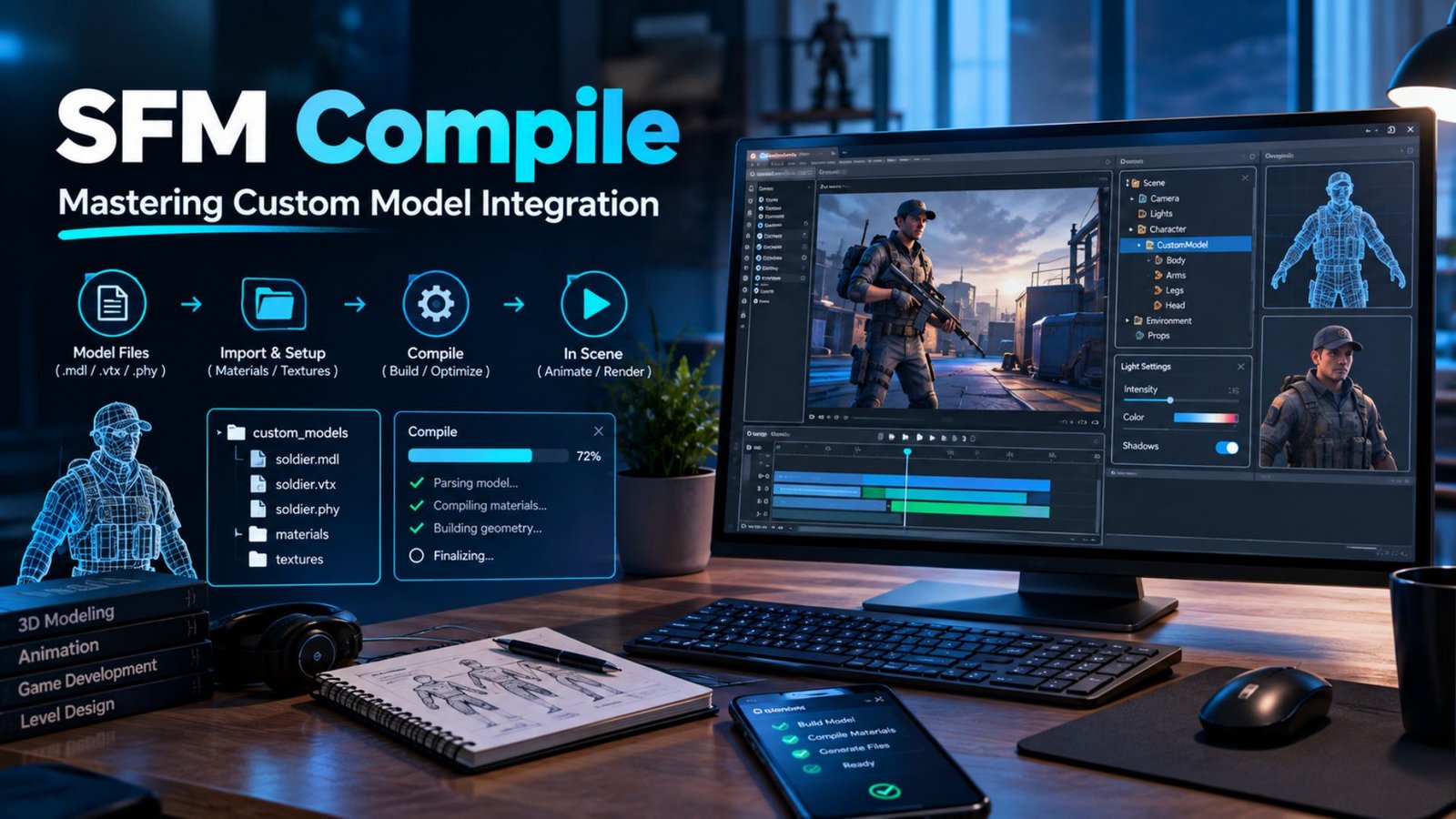
SFM Compile: Mastering Custom Model Integration for Source Filmmaker
You built a great model. You export it, load it in Source Filmmaker, and see a purple and black mess. Sound familiar? Almost every animator hits this wall. The good news is that the fix is rarely magic. It comes down to a clear SFM compile routine.
This guide shows you how to compile models for Source Filmmaker from start to finish. You’ll learn how SFM compile works, how to set up Crowbar, how to write a QC file, and how to fix the errors that waste your evenings. Grab a coffee. Let’s get your custom models into your scene.
Understanding the Source Engine Workflow
What is SFM compile? It’s the step that turns your exported model files into compiled model files that SFM can read. SFM runs on a version of the Source Engine, and the engine can’t open a raw Blender or Maya scene. It wants a Source model in the .mdl format. As one Steam Community reply puts it, you export SMD or DMX files, not MDL. A compile then bakes them into the final set.
Think of it like baking bread. Your SMD files or DMX files are the raw dough. The QC file is the recipe. StudioMDL is the oven. The result is a model compilation that includes the .mdl format file plus VVD files, VTX files, and sometimes PHY files and ANI files. A compile has three parts: source files, a QC, and the compiler. This whole chain is the Source model workflow. Textures run on a parallel track: image to VTF to VMT to material.
| File | What it stores |
| .mdl | Bones, sequences, material links |
| .vvd | Vertex data |
| .dx90.vtx | Mesh rendering strips |
| .phy | Collision data |
| .ani | Animation data stored apart |
The Role of Crowbar in the Compilation Pipeline
Crowbar is a free graphical tool. It sits in front of StudioMDL and saves you from typing commands. Under its Compiler tab, you pick Source Filmmaker as the game, browse to your QC, and click compile. That’s how to use Crowbar for SFM in one breath. It also lets you decompile a working model, which is a smart way to study how experts build theirs.
Now for how to configure Crowbar. First, open the Set Up Games tab. Point it at your SFM game folder and at studiomdl.exe. This is your compiler path. Then confirm the game paths match. How to set the correct StudioMDL compiler matters more than any other step. A compiler from the wrong Source game can create files that look fine but fail in SFM. Also watch the compile logs. How to troubleshoot Crowbar logs? Read the first real error. Ignore the noise below it.
Read More About: WizzyDigital org Review 2026: Services, Blog, Pricing & Digital Marketing Guide
Preparing Your Files for Export
Good 3D modeling habits save hours. Before you leave Blender, Maya, or 3ds Max, check the scale and transforms. Apply them. Fix your UV layout so textures don’t stretch. Name your bones clearly. Give each material a short, simple name. Delete stray geometry. Then confirm the mesh is bound to the right skeleton. A messy scene creates messy compilation errors later.
Next comes model export. How to export SMD files is simple with Blender Source Tools. Choose your reference mesh, then export it as SMD. Do the same for each animation. How to use DMX files in SFM? Pick DMX when you need flexes, since it holds shape data well. Keep every file in one clean folder structure. Use lowercase names with no spaces. That’s the heart of how to organize SFM project files. A tidy project is a fast project.
| Folder | Purpose |
| source | Blender or Maya scenes |
| export | SMD and DMX files |
| qc | QC scripts |
| textures | PNG, TGA, VTF, VMT |
| compiled | Finished test output |
Writing the QC File: The Blueprint of Your Model
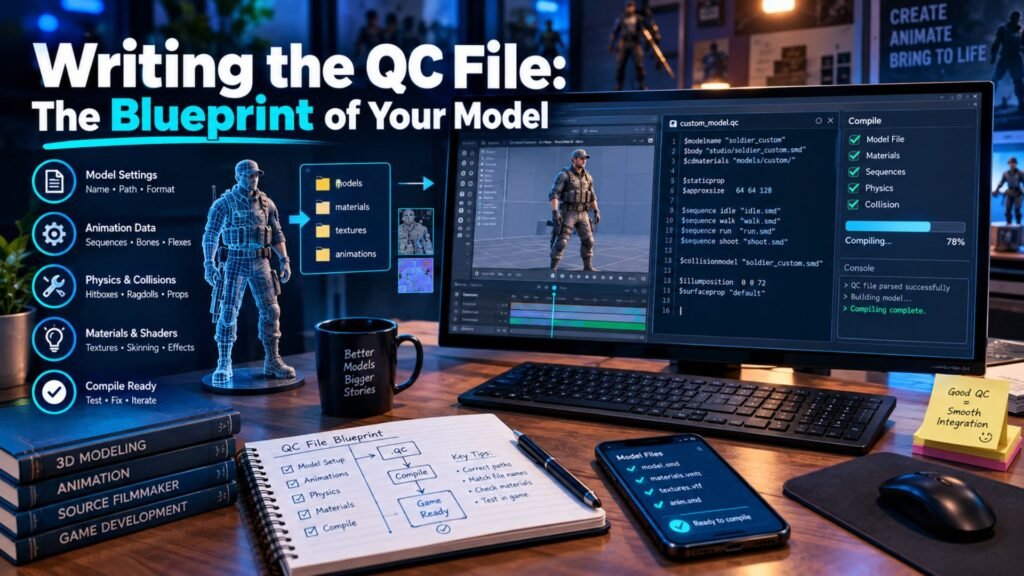
What is a QC file? It’s a plain text script that tells StudioMDL how to build the model. It names the model, lists meshes, points to materials, and defines animations. How to create a QC file is easy. Open a text editor, save the file with a .qc ending, and store it beside your SMD files. Common commands include $modelname, $body, $cdmaterials, $sequence, $collisionmodel, $hbox, and $surfaceprop.
Here is how to write a QC file for SFM. Use straight quotes only. Curly quotes break the parser.
$modelname “mycharacter/mycharacter.mdl”
$body “Body” “body.smd”
$cdmaterials “models/mycharacter/”
$surfaceprop “flesh”
$sequence “idle” “idle.smd” loop fps 30
Props often add $staticprop. This is also how you learn how to convert models to MDL. The QC drives the whole thing. Want a shortcut? How to create a reusable QC template is simple. Save a working QC. Change only the names and paths for each new project. When a line fails, fix that line first. Don’t touch anything else.
Creating and Converting Textures to VTF
What is a VMT file? It’s a small text file, short for Valve Material Type, that tells the engine how to draw a surface. The image itself lives in a VTF, or Valve Texture Format, file. So how to convert textures to VTF goes like this. Paint a PNG or TGA. Open it in VTFEdit. Save it as VTF. Then write a matching VMT. The model’s materials then find both files through texture paths.
“VertexLitGeneric” “$basetexture” “models/mycharacter/body”
Notice there is no .vtf ending. The $cdmaterials line in your QC points to the folder. The VMT inside it points to the image. A prop may need only a diffuse map. A character often adds a normal map, a specular or phong mask, and sometimes ambient occlusion. Use transparency only when you need it. Match your UV coordinates to the artwork. Valve’s SDK notes show the same texture-to-material flow.
Troubleshooting Common SFM Compilation Errors
How to fix SFM compilation errors starts with one rule. Read the first meaningful message. Then check the QC line it names. Next, verify the filename and the folder. After that, confirm the compiler branch and recompile. Only then look at warnings. Keep two problems apart. A compiler error stops StudioMDL. A loading problem happens after a clean compile.
| Symptom | Likely cause | Fix |
| Cannot open SMD | Wrong path or name | Match QC to file |
| Unknown command | Wrong compiler branch | Check game setting |
| Checkerboard surface | Material path error | Fix VMT or cdmaterials |
| Model not listed | Wrong folder | Check output location |
Purple and Black Textures
Why is my SFM model purple and black? The engine can’t find the material. These are missing textures or material errors. Here is how to fix missing textures in SFM. Check the VMT first. Check that the VTF sits beside it. Then confirm the $cdmaterials path matches the real folder exactly.
StudioMDL Not Found
Crowbar says it can’t find the compiler. That’s a compiler path issue. Open the game setup and point to the right studiomdl.exe inside the Source SDK or SFM tools folder. How to use StudioMDL through Crowbar only works when this path is correct. Recheck the game selection too.
Model Compiles but Does Not Animate
Why custom SFM model will not animate usually traces to animation data. Compare the bone hierarchy in your mesh and your animation files. The names must match. Then inspect each $sequence line. A clean compile doesn’t prove the skeleton works.
Other Common Compilation Errors
Invalid bone weights are a frequent one. How to fix invalid bone weight errors? Source allows only a few weights per vertex, commonly three. Limit and normalize weights in Blender. For vertex limit errors, split a heavy mesh into parts. For bone limit errors, remove extra bones. The cap varies by branch, so read your compile logs. Also check for unknown QC commands.
Integrating Models into the SFM Directory
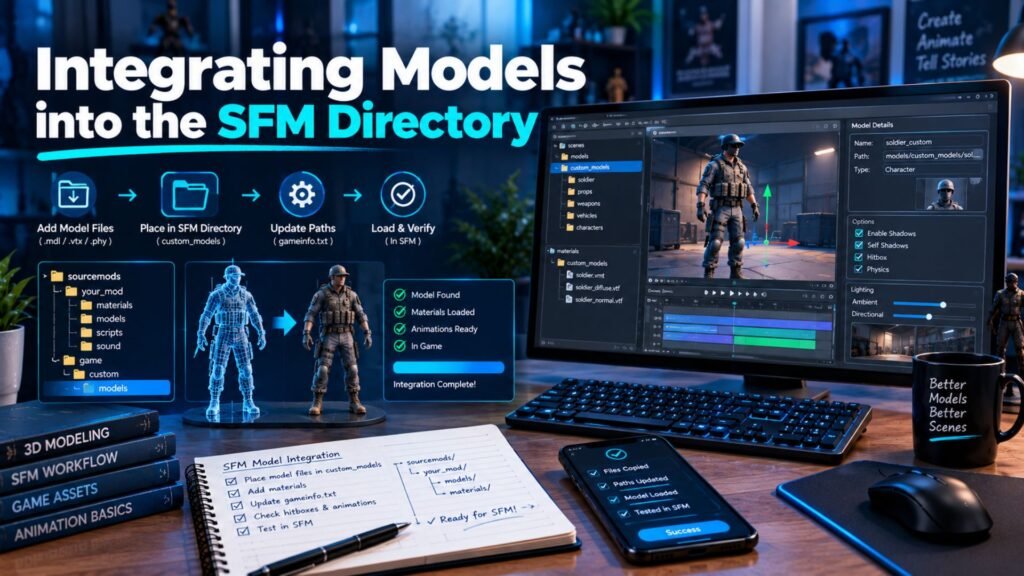
Where to put compiled SFM models is a common question. Most creators use the usermod folder inside the SFM game directory. It works as a custom mod folder for custom content. Models go in a models folder. VMT and VTF files go in the matching materials folder. This is how to add custom models to SFM without touching Valve’s originals. Advanced users can also learn how to create a custom SFM mod folder by adding a search path in the game’s gameinfo file.
Now the big worry. Why SFM model does not appear? First, confirm the compiled files exist in your SFM directory. Second, check that the folder names match your QC and VMT. Third, restart SFM. Then open the model browser and search. That’s how to import custom models into SFM. Don’t recompile yet. Most misses are folder mistakes, not compile mistakes.
| Content | Location idea |
| .mdl, .vvd, .vtx, .phy | usermod/models/yourfolder |
| .vmt, .vtf | usermod/materials/models/yourfolder |
Understanding Skeletal Rigging and Physics
How to rig a character for SFM starts with a clean skeletal rigging plan. Build a logical bone hierarchy. Name bones clearly. Paint good vertex weights. Bad weights cause collapsed shoulders and stretched arms. Recompiling won’t fix those. Many creators use ValveBiped bones because they match Valve’s standard rigs. That is how to use ValveBiped bones: copy the naming and structure so animations transfer. Add attachments for hats or weapons. Set hitboxes with $hbox.
Physics is separate. How to add physics to SFM models? Make a simple physics mesh and point to it with $collisionmodel. This is also how to create collision models. The compile produces PHY files. Ragdolls need extra ragdoll data, defined with joint commands. Keep collision shapes low in detail. A fancy render mesh makes a bad physics mesh. Cinematic custom characters may skip physics at first. Interactive custom props need it.
Advanced Techniques: Flexes and Facial Animation
How to add facial flexes in SFM? Create shape keys in Blender, then export a DMX file. In the QC, define flex controllers and rules that link them to shapes. This is the core of facial animation. How to use flex controllers is easy once set up. Sliders in SFM move the face. They can drive blinks, smiles, and brows. They also power lip-syncing through phoneme shapes.
How to create facial animation without pain? Go slow. Start with two expressions. Compile. Test in SFM. Then add more. Naming errors cause most trouble. Avoid hyphens and odd symbols in controller names, since the parser may read them as math. Keep names in your file and QC identical. A staged approach makes bad flexes easy to spot. Patience beats speed here.
Testing and Final Model Polish
How to test compiled models in SFM takes a few quick passes. Load the model in the Half-Life Model Viewer first. This model viewer shows bones, hitboxes, and materials fast. Then open it in SFM. Check scale and textures. Pose the arms, legs, spine, and neck. Try the face. Test sequences last. This iterative testing loop catches problems early.
Here is a quick case study style example. Imagine a creator named Sam. Sam builds a robot prop and compiles it once at the very end. It fails with three errors. Next time, Sam compiles after each step: mesh first, then materials, then bones. Each error shows up alone and takes minutes to fix. Small cycles beat one giant leap. Also keep compile logs and backups. When version 13 breaks, version 12 saves you. Light model optimization helps too, like trimming unseen faces.
Refining Your SFM Compilation Workflow
A strong SFM workflow feels boring in the best way. Use the same names everywhere. Reuse QC templates. Keep your source project apart from your compiled output. That split prevents accidental overwrites. It also makes backups simple. How to build custom SFM characters and props becomes a routine, not a gamble. Write down your Blender Source Tools settings, your compiler path, and your material folders.
Small habits pay off fast. Label folders by asset. Store one working QC as your gold copy. Test with a simple prop before you try a full character. Tools like Crowbar and the Source SDK stay stable across projects. Your notes make the rest repeatable. Over time, your Source assets library grows tidy and reliable. You’ll spend less time hunting bugs and more time making SFM animation.
Read More About: Blockaway Review 2026: What It Does, How It Works, Safety & Alternatives
Frequently Asked Questions
What Is an SFM Compile?
An SFM compile turns exported model files and a QC script into compiled model files that Source Filmmaker can load. It’s the bridge between your 3D software and your scene. Without it, the Source Engine can’t read your custom assets.
Can I Use Crowbar to Compile Models for Source Filmmaker?
Yes. Open the Compiler tab, choose Source Filmmaker as the game, select your QC file, and press compile. Crowbar then runs StudioMDL for you and shows the log. Just confirm the game paths first.
Why Does My SFM Model Have Purple and Black Textures?
The material path is broken. Check the VMT, then the VTF location, then the $cdmaterials line. Fix the path and reload the model. A recompile is rarely needed for this one.
Why Does My Custom SFM Character Compile but Not Animate?
The skeleton, bone hierarchy, weights, or $sequence lines are likely wrong. Bone names must match across mesh and animation files. A clean compile only proves the syntax works.
Why Does Crowbar Say StudioMDL Cannot Be Found?
The compiler path is wrong or the game tools are missing. Reopen the game setup, point to the correct studiomdl.exe, and try again. Check the StudioMDL reference for where the tool lives.
Conclusion
An SFM compile follows one clear path. Prepare the model. Export SMD files or DMX files. Write a clean QC file. Build VTF and VMT materials. Compile with the right StudioMDL through Crowbar. Install the files. Test them. Every file must agree with the next. When they do, your custom models just work.
Start small. Compile a simple prop today. Then move on to rigged characters and faces. Each win builds your SFM workflow. Got a stubborn error? Share it in the comments. Someone has probably fixed it before.

Ryan Cooper is a dedicated writer with a passion for creating informative and engaging content. He enjoys sharing valuable insights and helping readers stay updated with the latest trends and practical knowledge.